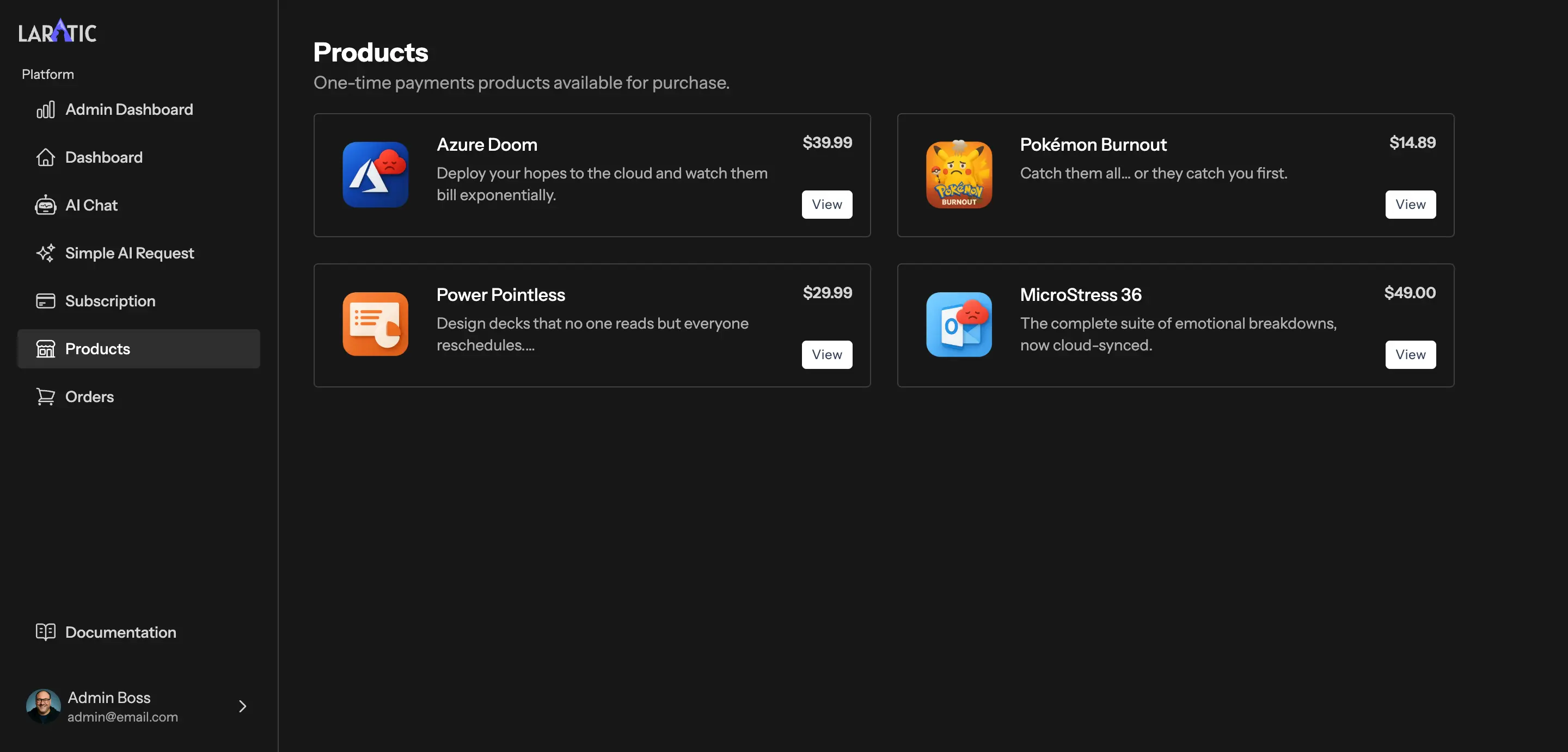
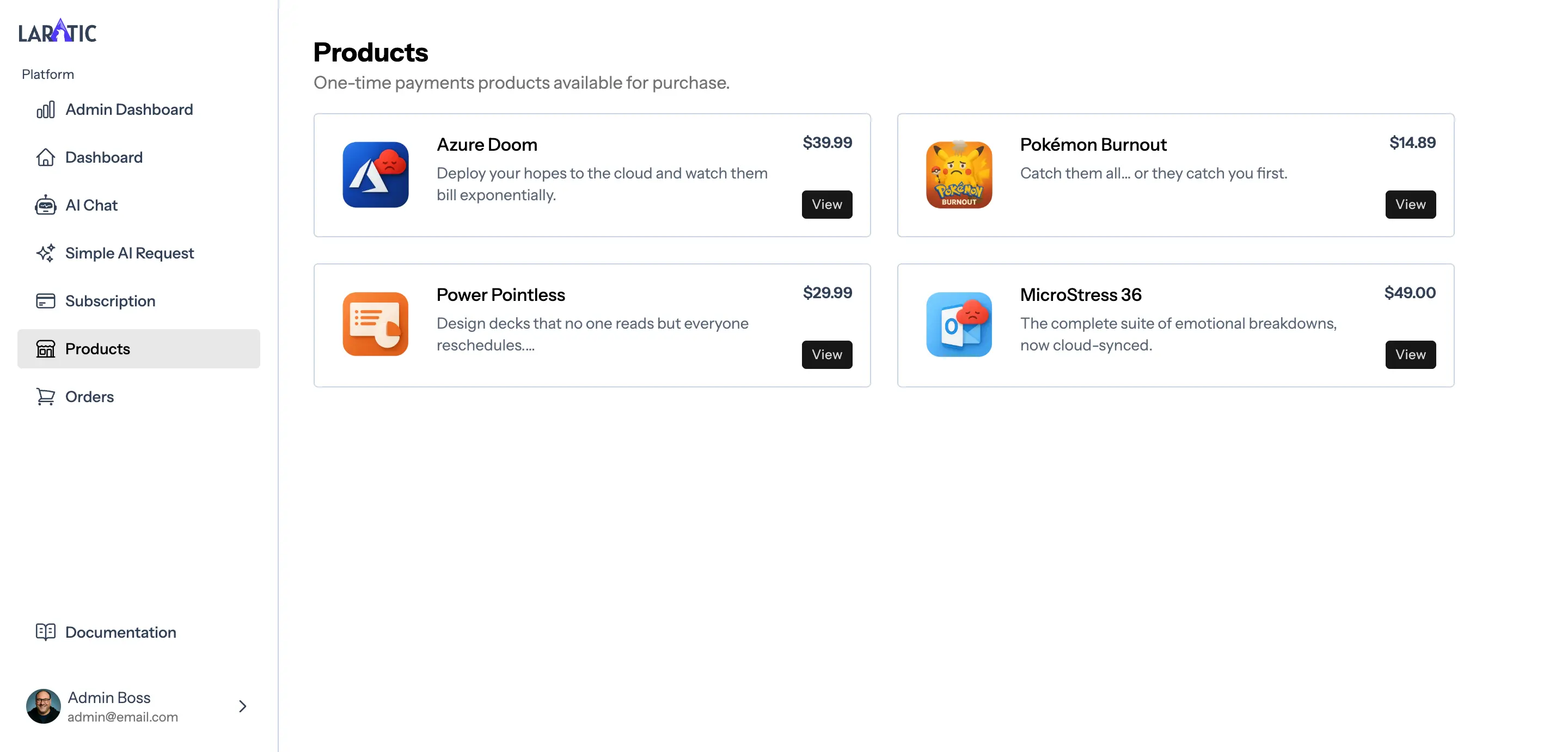
One-Time Products (Single Payments)
With Laratic you can easily sell one-time products (single payments). You can create or update one-time products in your Lemon Squeezy dashboard and sync them to your local database.
Adding New One-Time Products
To add a new one-time product in Lemon Squeezy:
- Go to your Store > Products in the Lemon Squeezy dashboard.
- Click Add New Product.
- Add a name and description. You can add a list of features in the description.
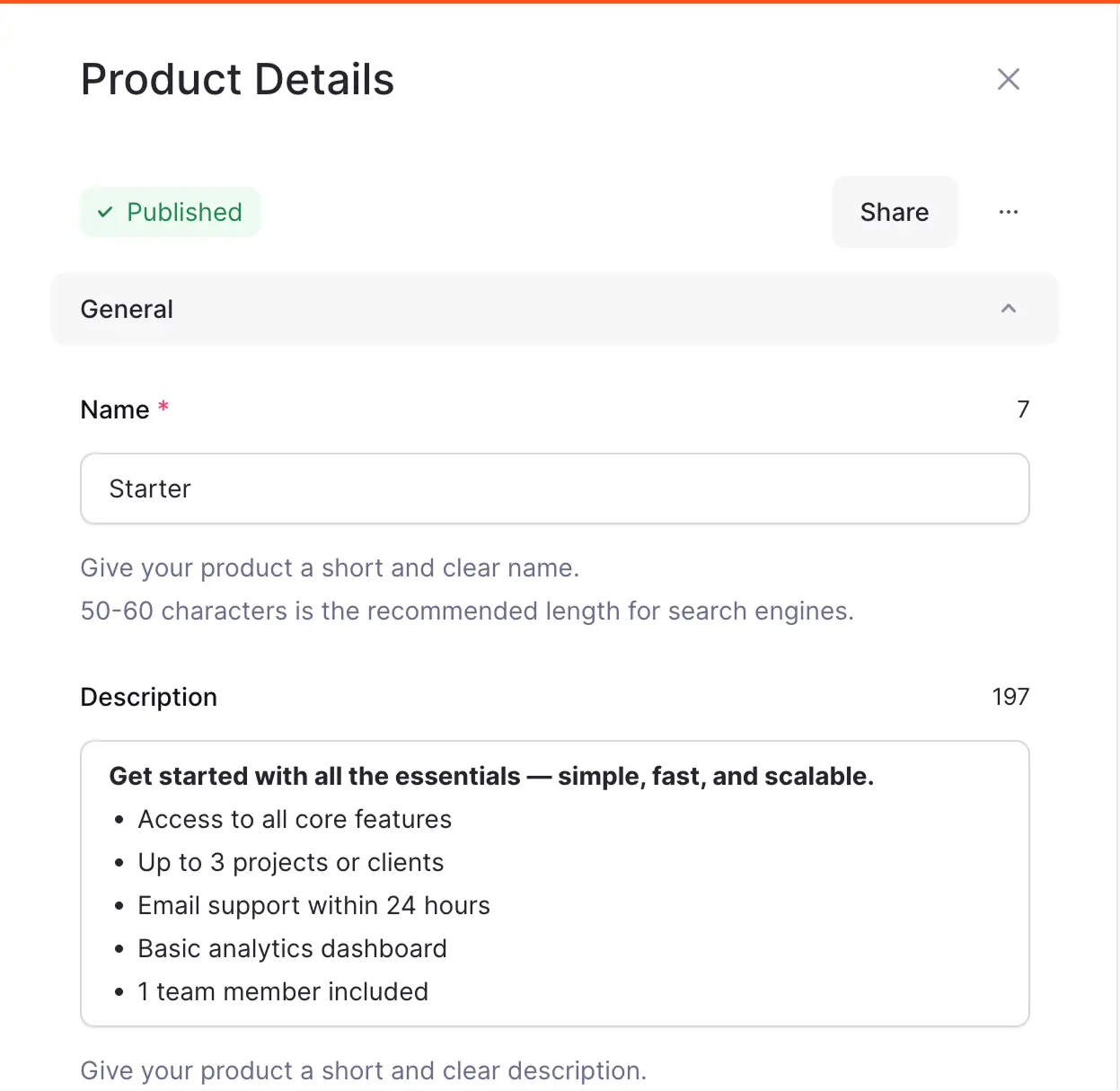
- Choose Single payment.
- Set the price.
- Save the product.
- Sync your products from Lemon Squeezy using:
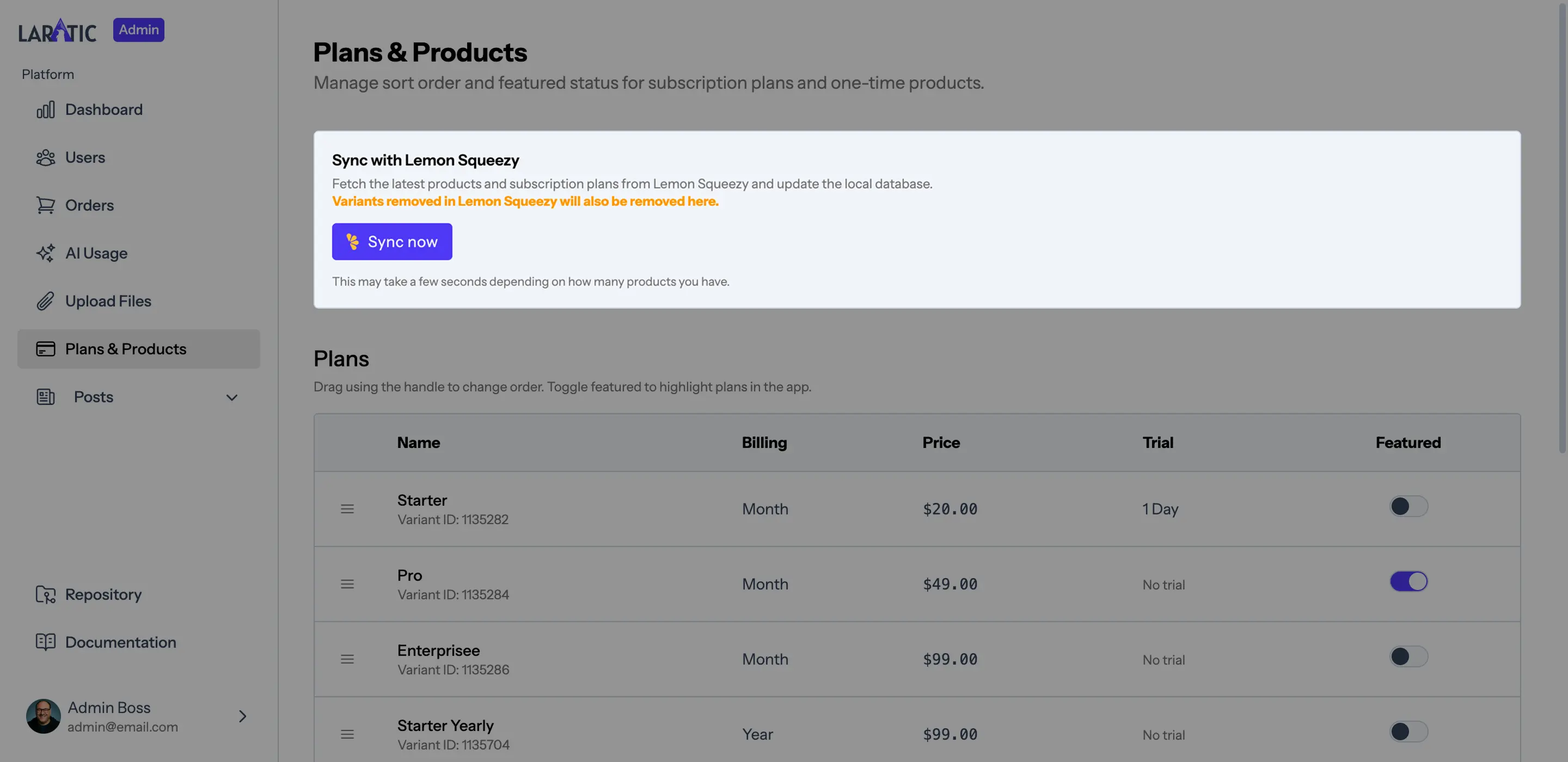
Or use the admin panel sync button at Admin > Plans & Products.php artisan lemonsqueezy:sync-products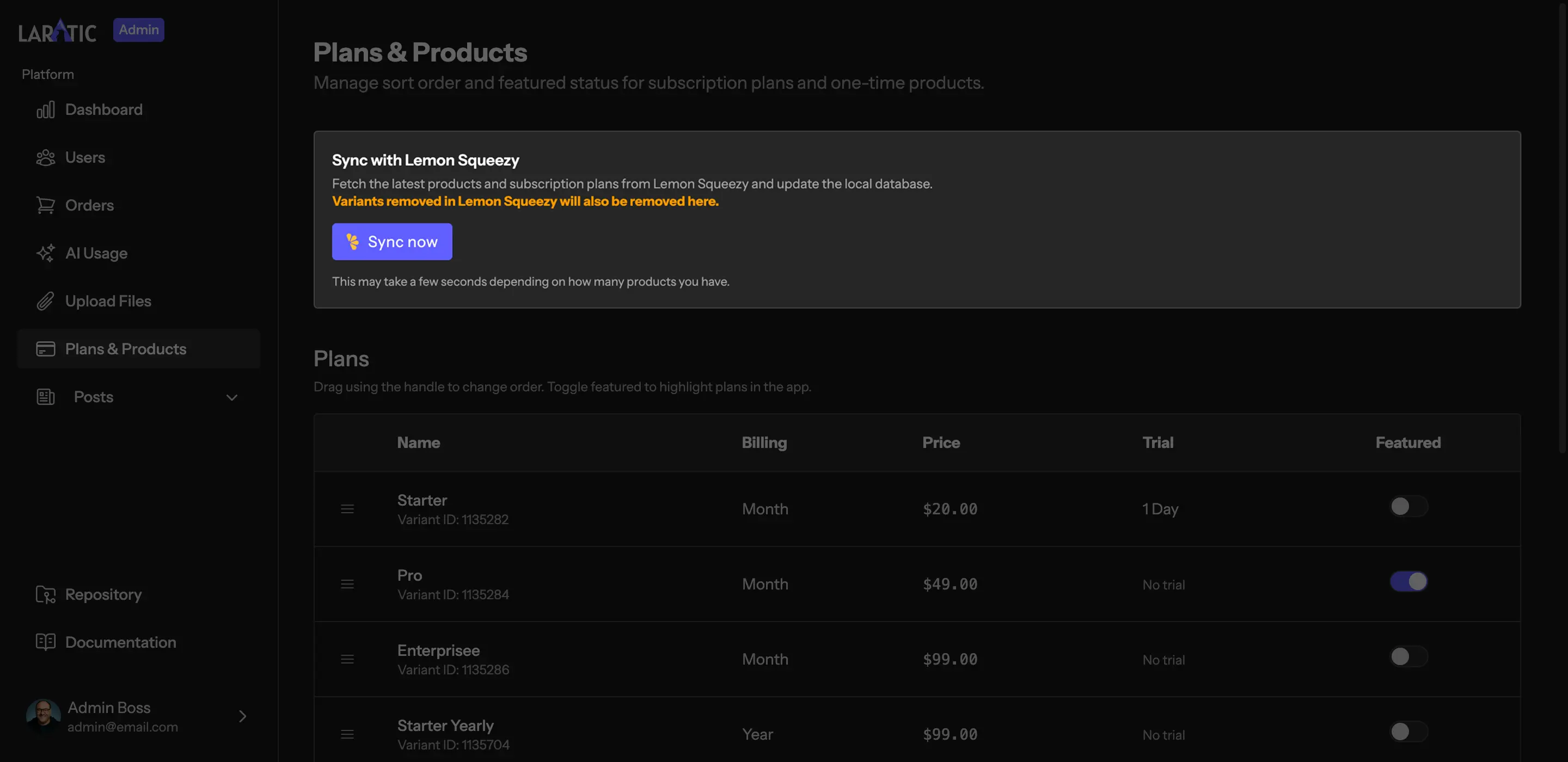
Important
Laratic assumes each product has a single variant. Please don't add any variants to the products and leave it as the default variant.
When you sync, the command will create or update a Product record for each one-time variant. Once
the product exists and has a published status, it will appear on the products page.
Updating Products
Any updates to a one-time product in the Lemon Squeezy dashboard will be synced when you run the sync command.
To hide a product from the public products page:
- Delete or archive the variant in Lemon Squeezy and sync
Product Listing Page
Laratic has a product listing page that displays all active one-time products. You can sort or promote products in your admin dashboard > Plans & Products.