Orders & Transactions
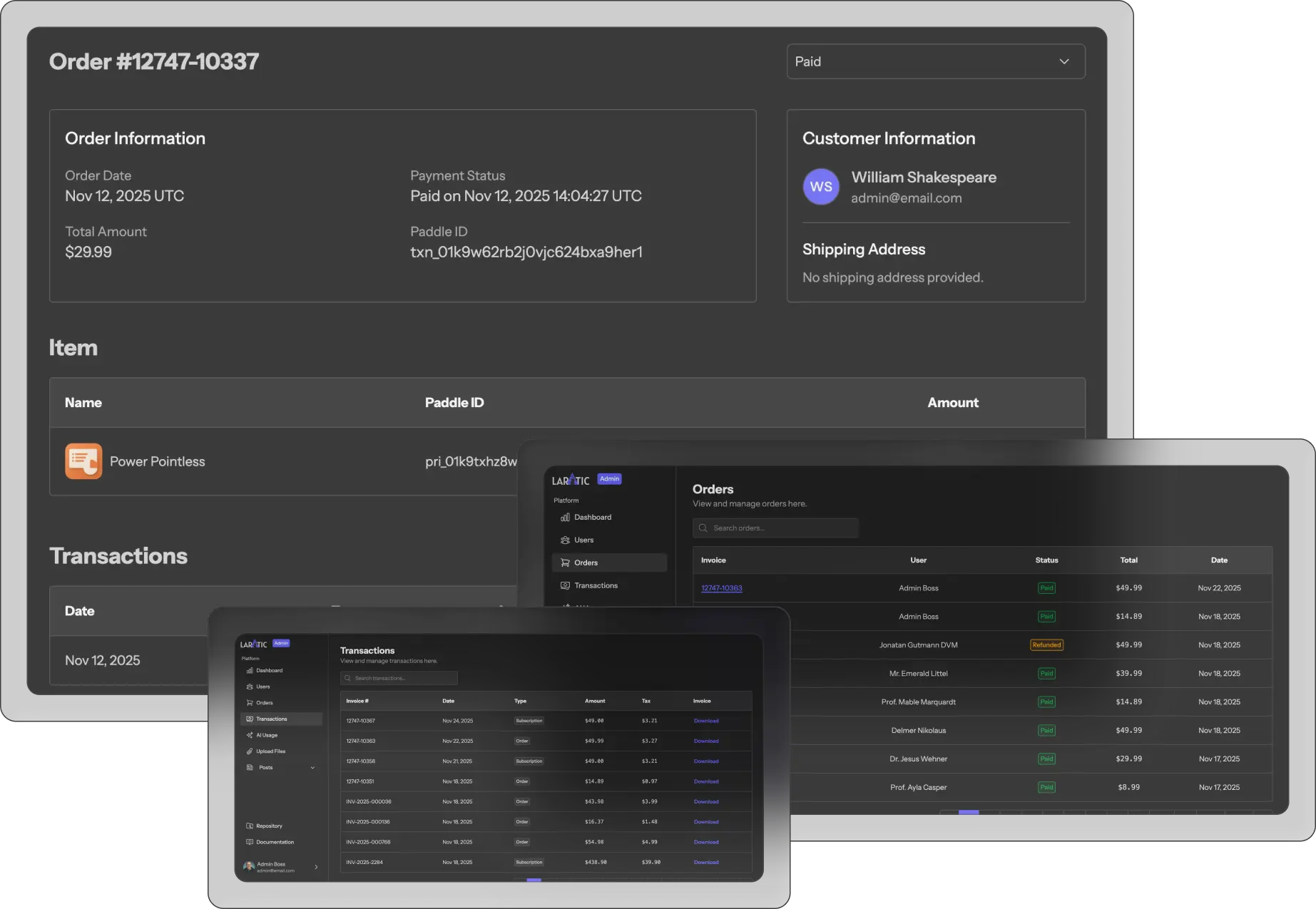
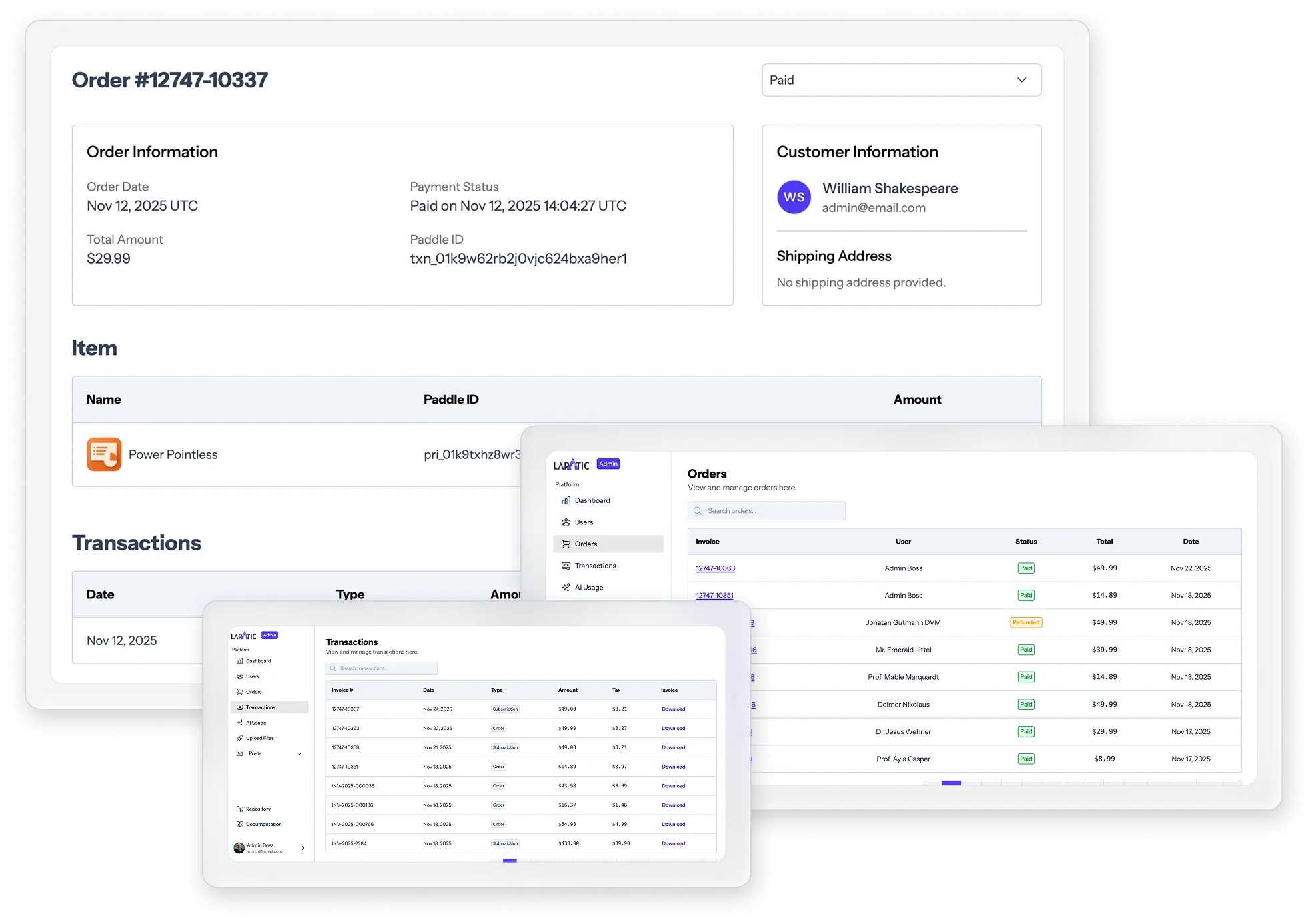
Admins can view orders and transactions.
Order Lifecycle
An order is created whenever a user starts a one-time purchase or a subscription flow that needs local tracking. The typical lifecycle is:
- An
Orderrecord is created with the statusincompleteonce the user starts a one-time purchase or a subscription flow. - User continues the checkout process using the checkout overlay.
- Once the payment is submitted, the user is redirected to the pending page.
- When Paddle sends a
transaction.completedwebhook, the order is marked as paid and invoice details are stored. User is redirected to the orders page.
Cleaning Up Incomplete Orders
Incomplete orders can take up space in the database and could be safely deleted after a certain period of time. You can use the following command to delete all incomplete orders older than 24 hours.
php artisan orders:delete-old-incompleteThis command will:
- Find all orders with
status = 'incomplete'that were created more than 24 hours ago. - Delete those orders from the database.
- Display a message indicating how many orders were deleted.
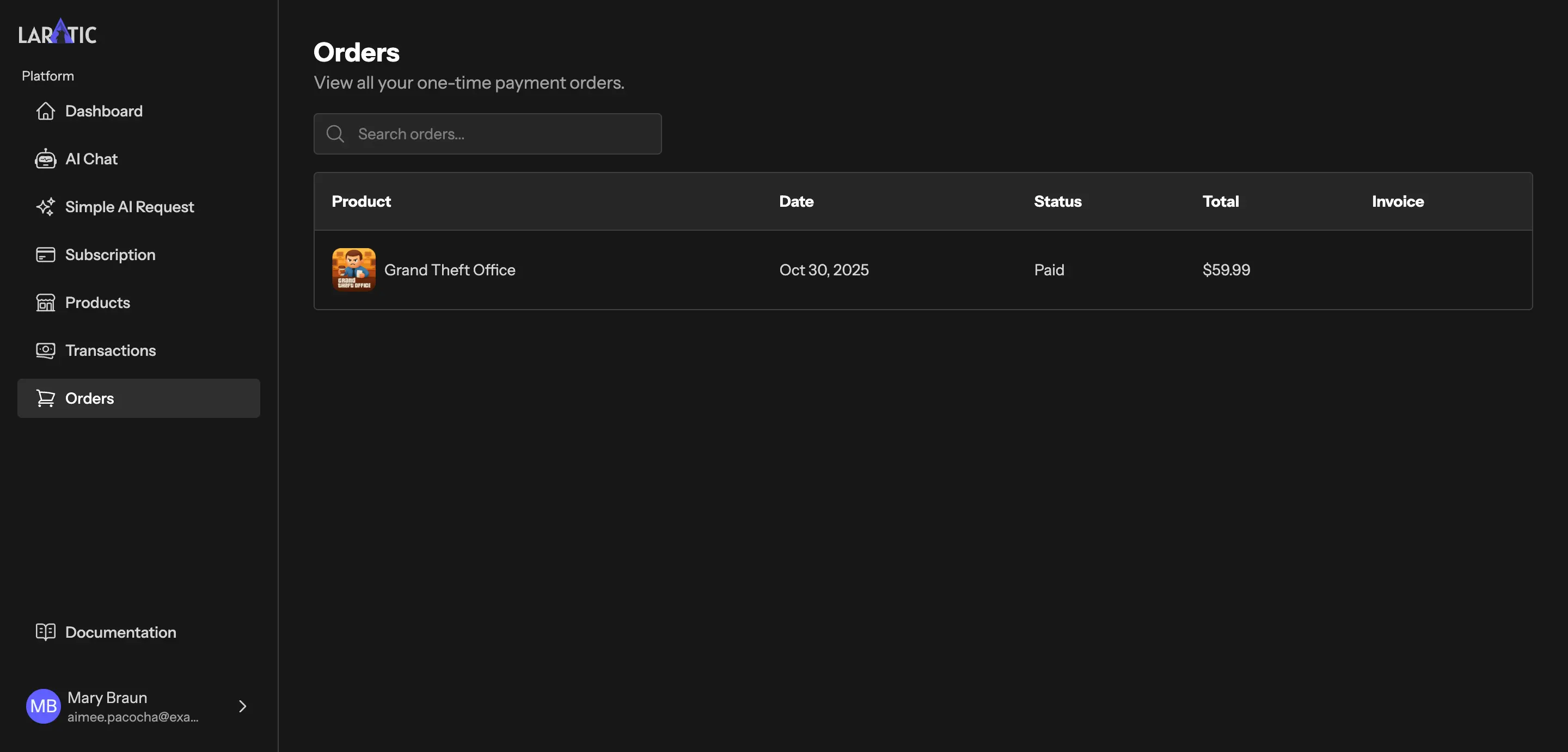
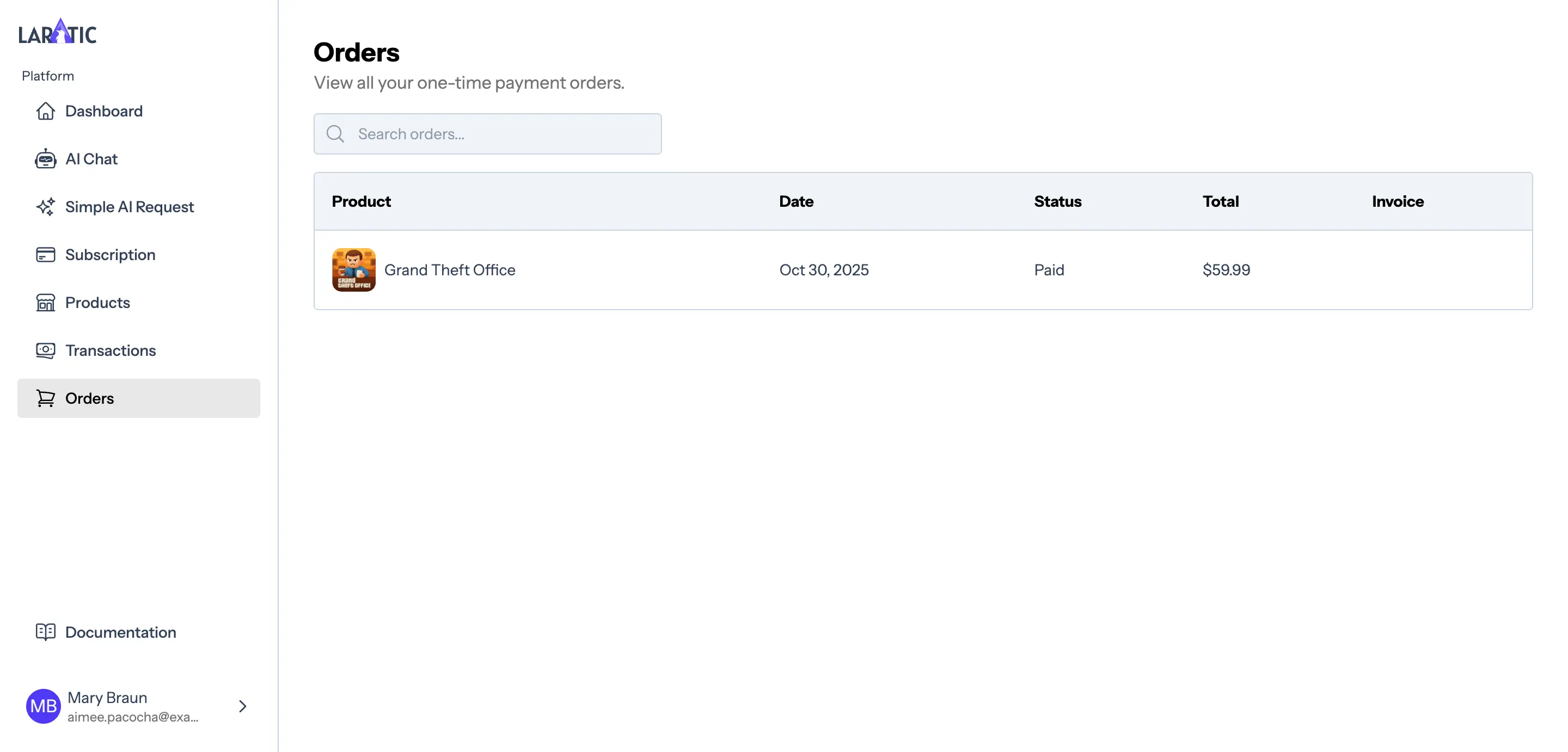
Order Page for Users
Laratic has a order page for users that displays all their order history.
Transactions & Invoices
In addition to orders, users can view their transactions and download invoices.
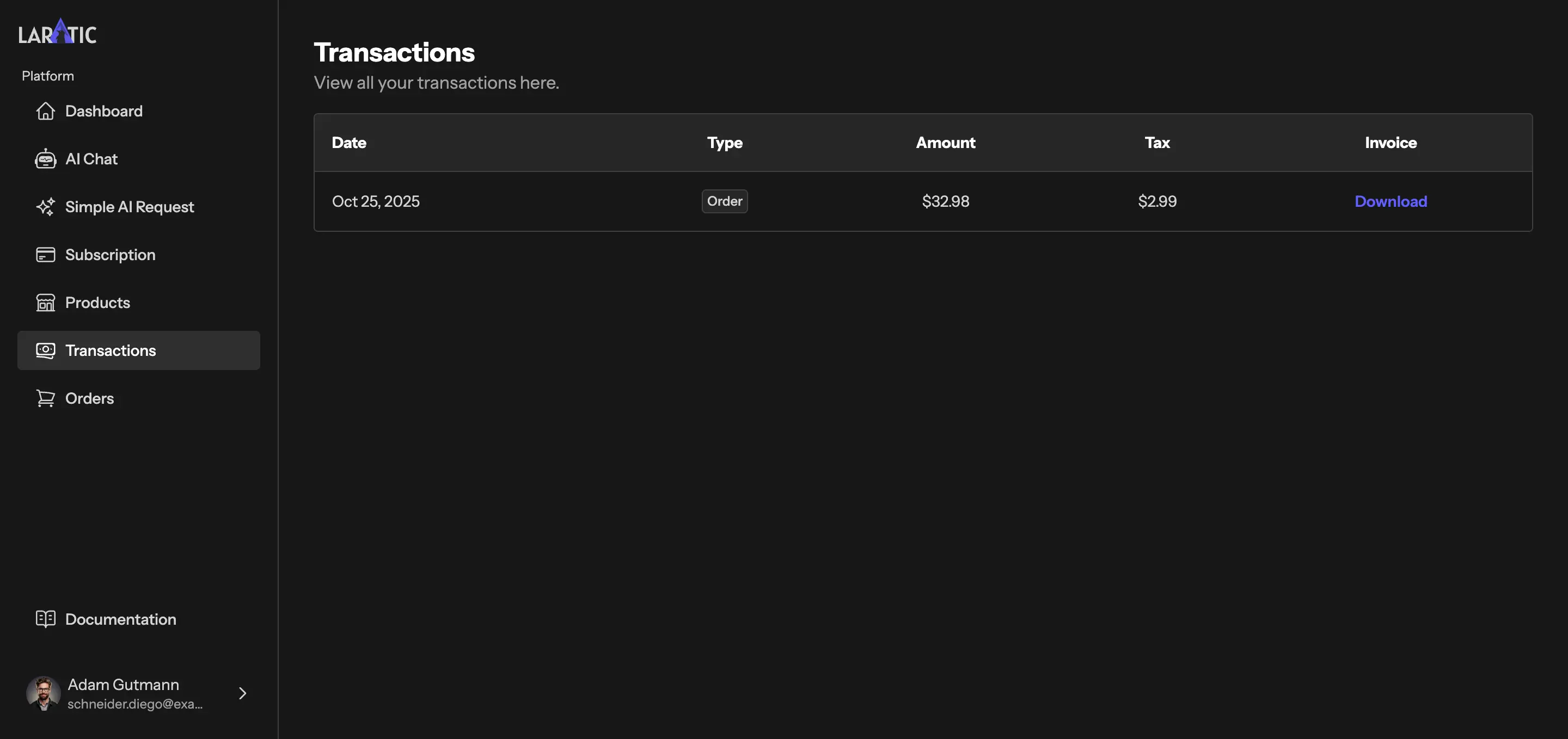
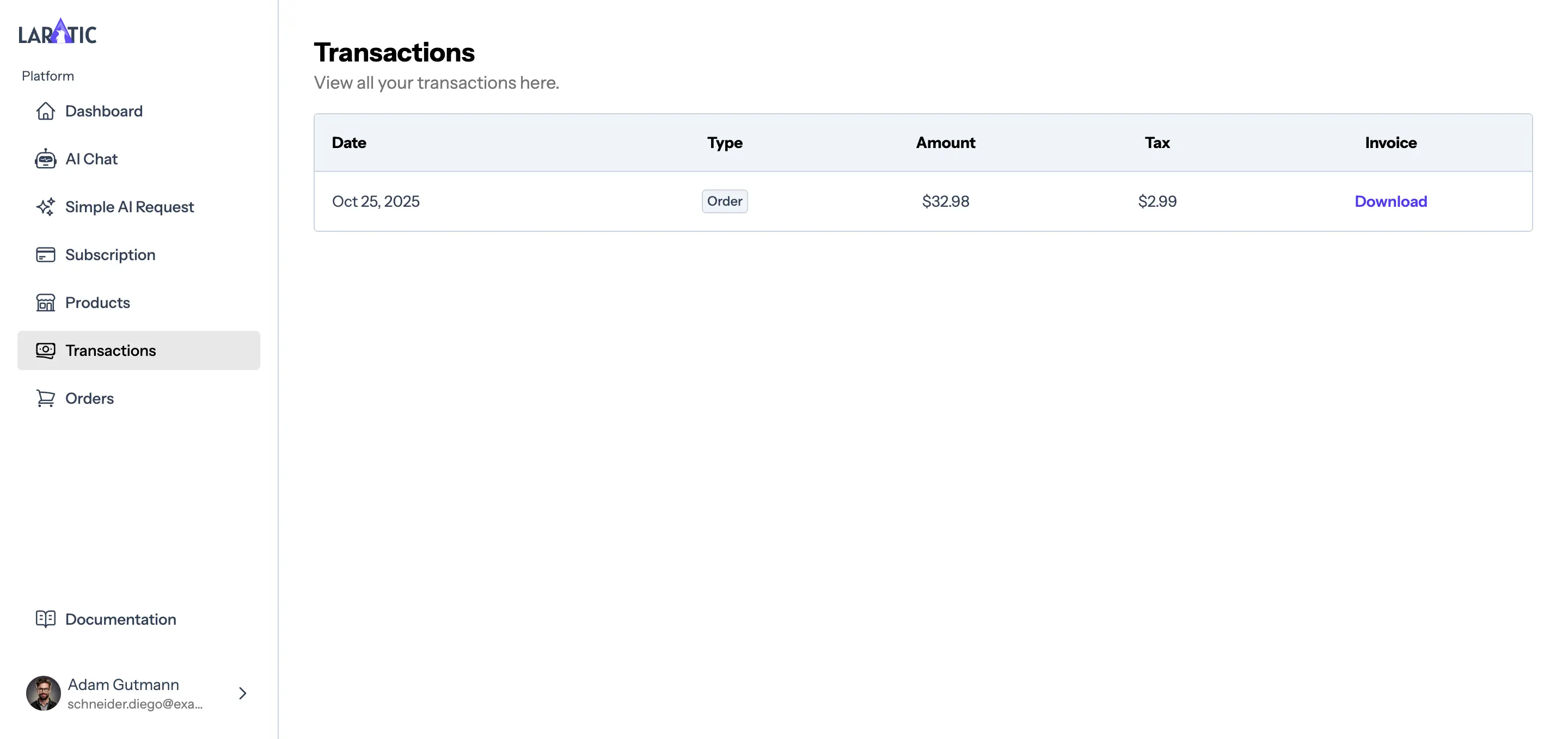
Admin Orders & Transactions
Admins can review and manage orders and transactions.