Subscriptions, Plans & Pricing Page
Laratic has configured to easily sell recurring subscription plans. You can create or update subscription plans in your Paddle dashboard and they will be automatically synced into your local database.
Adding New Subscription Plans
To add a new plan (for example, a Basic Monthly and Basic Yearly option):
- Create a Product in the Paddle Billing dashboard (for example, Basic).
- Under that product, create one or more Prices:
- Monthly example:
price_basic_monthlywith a monthly billing interval. - Yearly example:
price_basic_yearlywith a yearly billing interval.
- Monthly example:
- Configure custom data for each price to control how it appears in the app:
features— a comma-separated list of feature bullet points.is_featured—trueorfalseto highlight the plan.
- Ensure Paddle sends
price.createdwebhooks to your app (see Paddle Webhooks).
When the webhook arrives, the corresponding helper creates a Plan record and logs the event. Once
the plan exists and has an active status, it will appear on the pricing page.
Updating or Archiving Plans
Any updates to a subscription plan in the Paddle dashboard will be automatically synced into your local database. You can also archive a plan in Paddle to hide it from the public pricing page.
Pricing Page (Monthly & Yearly)
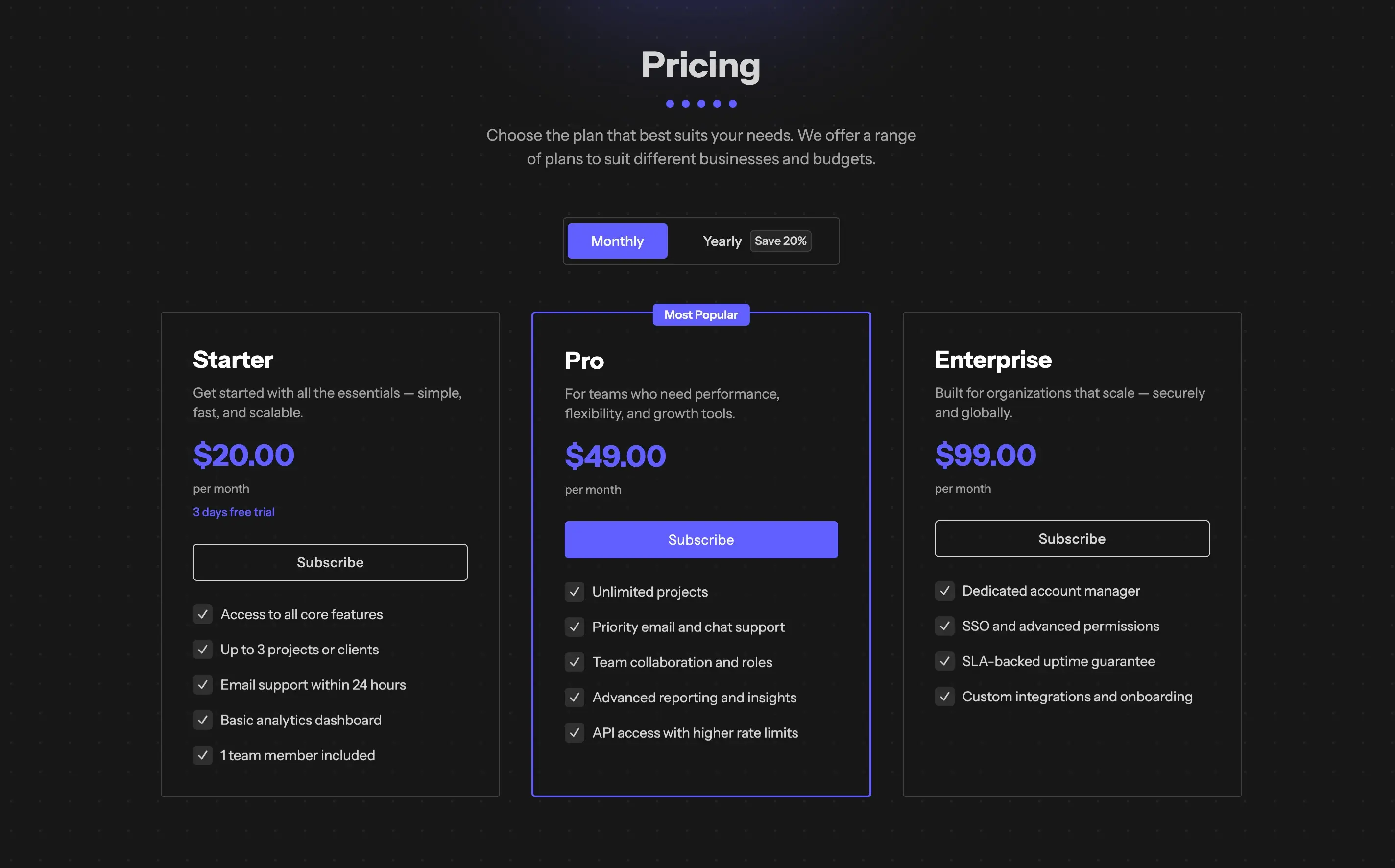
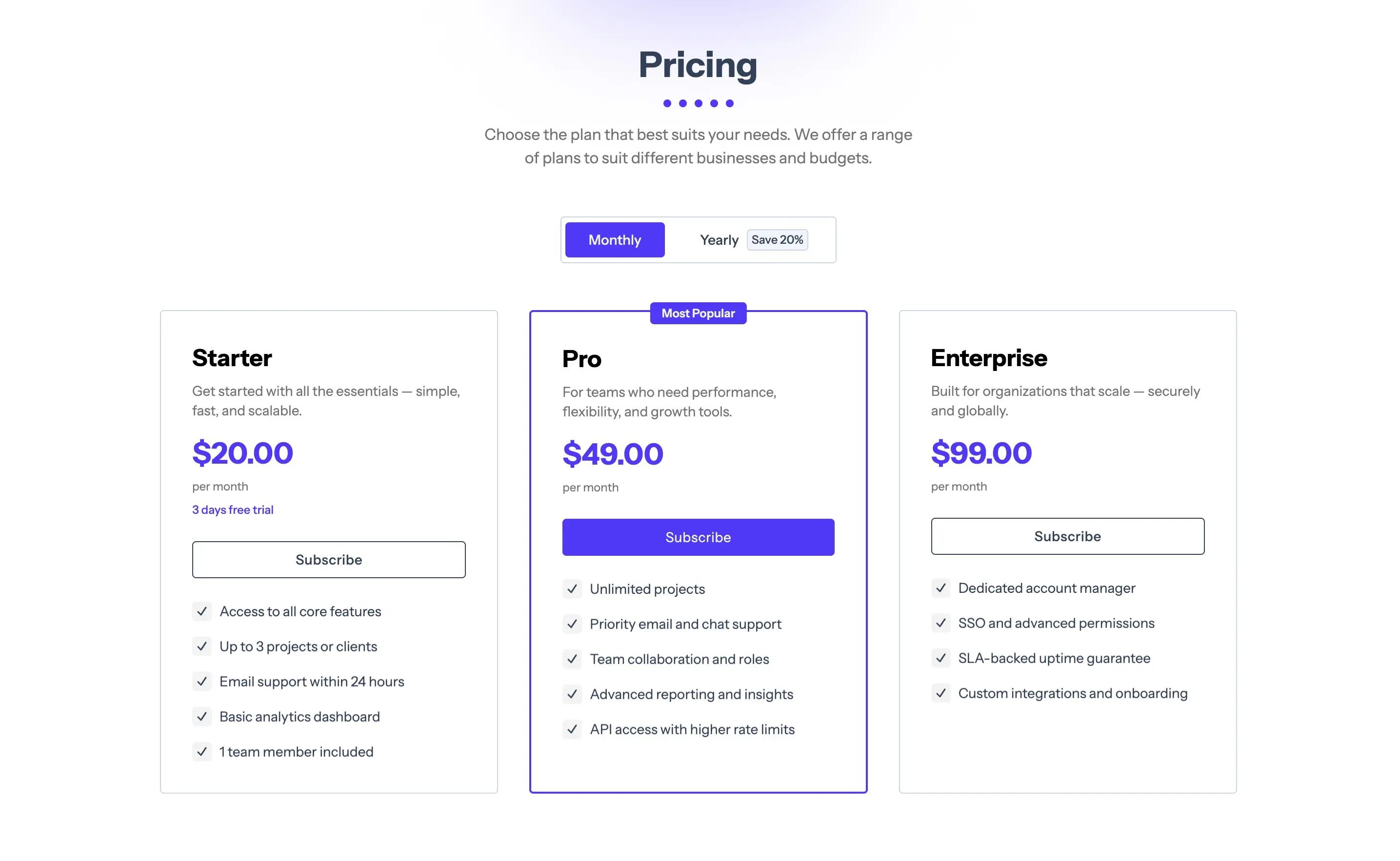
Laratic has a pricing page that displays all active subscription plans. When you add a new plan in Paddle (Monthly or Yearly), it will be automatically synced into your local database and appear on the pricing page.
Subscription Checkout Flow
When a user selects a plan, PlanController::show() initiates a Paddle checkout:
$checkout = $request->user()
    ->checkout($priceId)
    ->returnTo(route('subscription.pending'));
The corresponding Blade view receives the $checkout object and typically uses the
<x-paddle-button /> component to render the Paddle checkout overlay.
After payment, the user lands on the Subscription Pending page. Once webhooks confirm the subscription, the user becomes fully subscribed and can access subscriber-only areas of the app.
Managing an Active Subscription
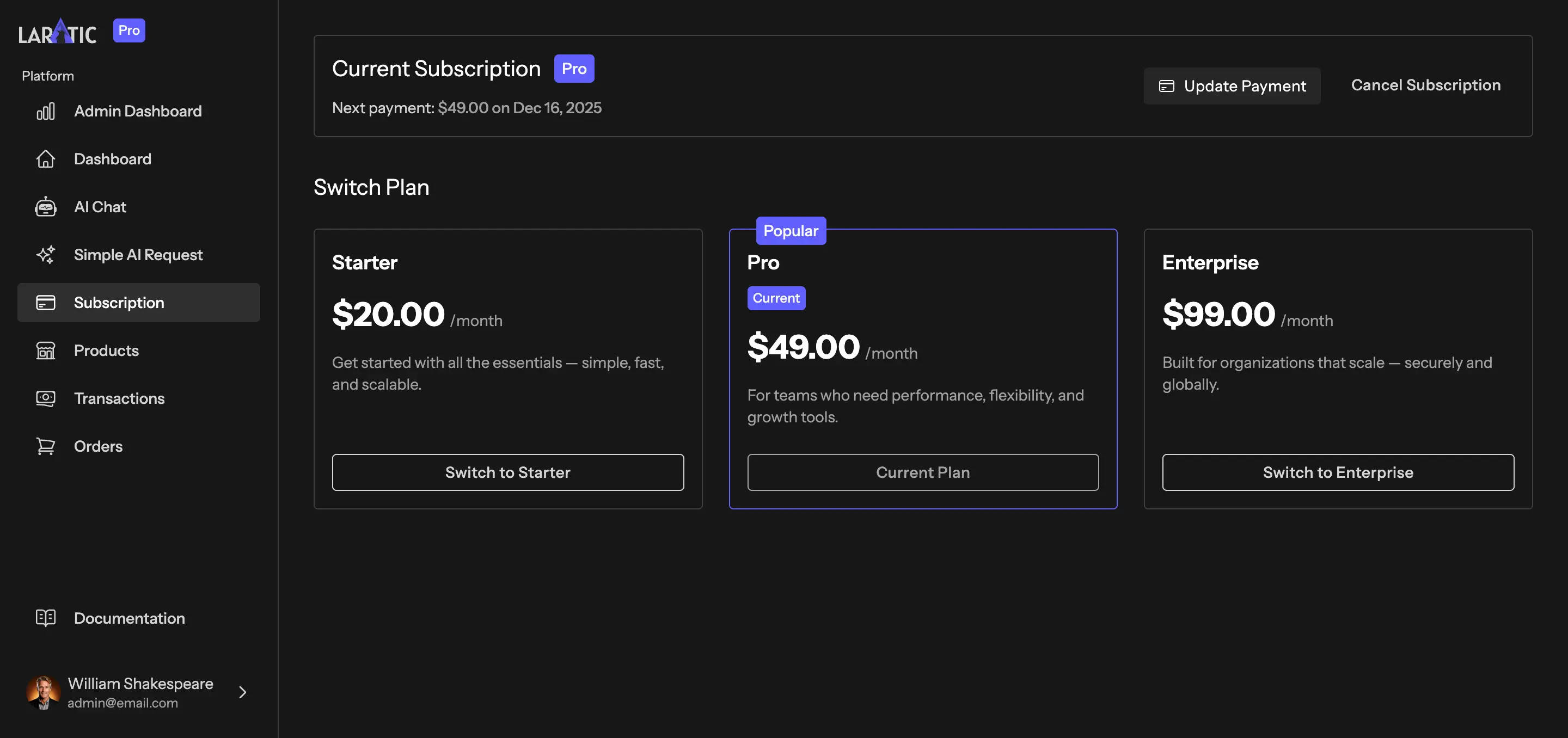
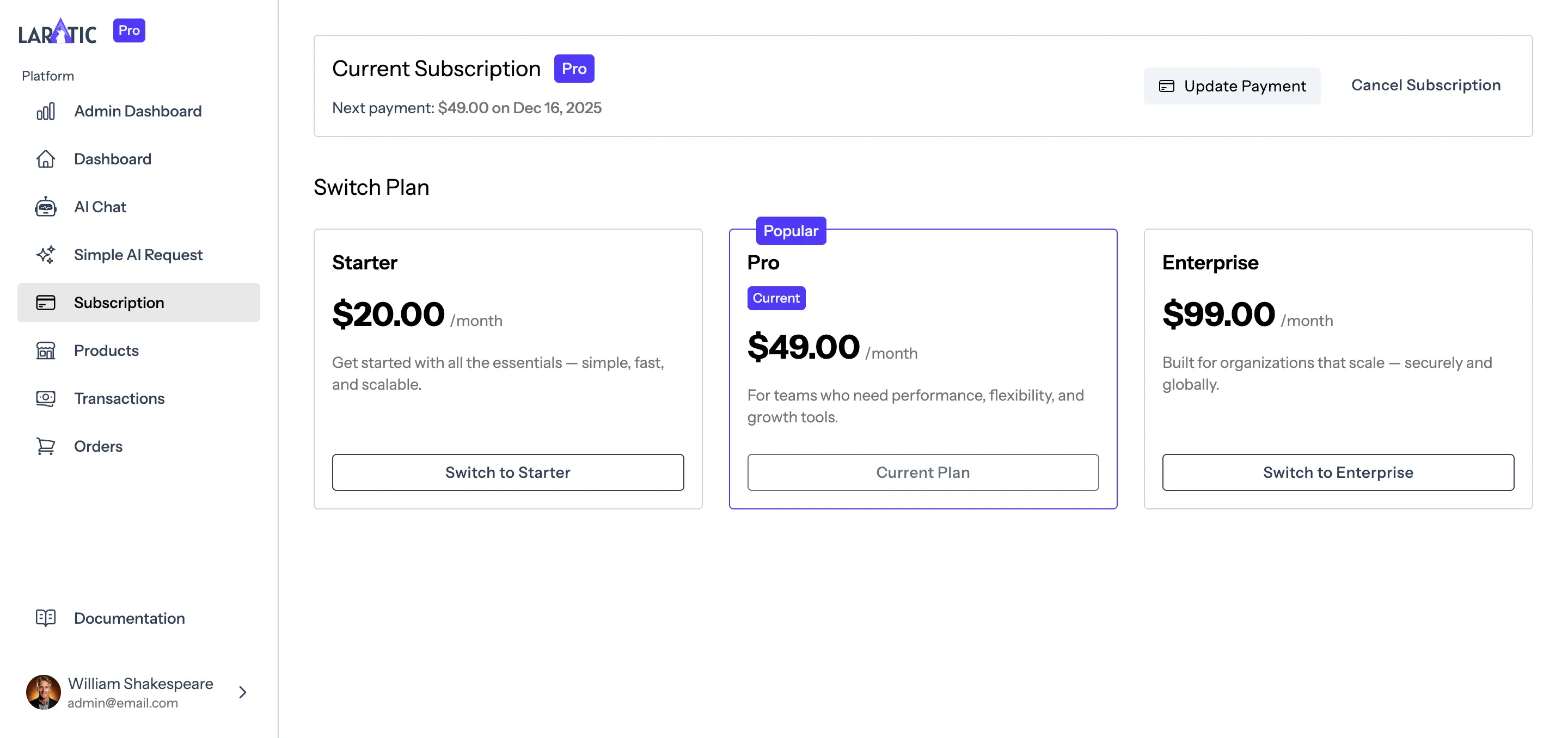
Laratic has a subscription management page that allows users to manage their subscription. You can cancel or update your subscription from the subscription management page.