One-Time Products (Single Payments)
With Laratic you can easily sell one-time products (single payments). You can create or update one-time products in your Paddle dashboard and they will be automatically synced into your local database.
Paddle does NOT support physical products that require shipping. You should
only use it for digital or online products such as downloads, licenses, or services.
Adding New One-Time Products
To add a new single-payment product:
- Create a Product in the Paddle Billing dashboard (for example, Pro Template Pack).
- Define a Price for that product (for example,
price_template_pack) with no recurring billing interval. - Configure custom data fields so the app can render the product correctly:
features— comma-separated feature list.img_url— optional image URL (falls back to a placeholder if missing).category— optional category string for grouping.is_featured—trueorfalseto highlight the product.delivery_method— optional text like download, email, or license key or any other delivery method.
- Ensure Paddle sends
price.createdandprice.updatedwebhooks to your app (see Paddle Webhooks).
When a webhook arrives, the corresponding helper will create or update the Product model and log
what happened.
Product Listing Page
Laratic has a product listing page that displays all active one-time products.
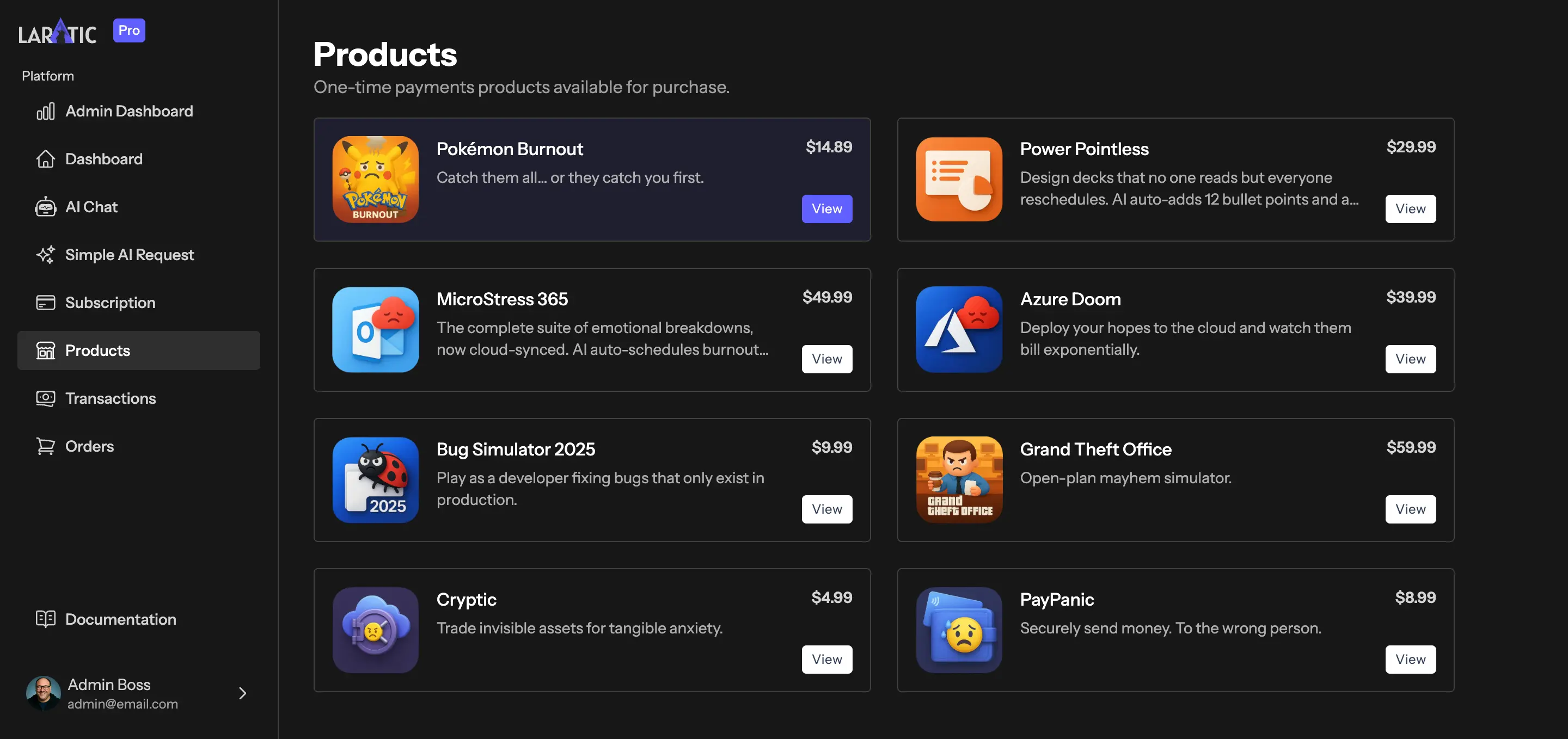
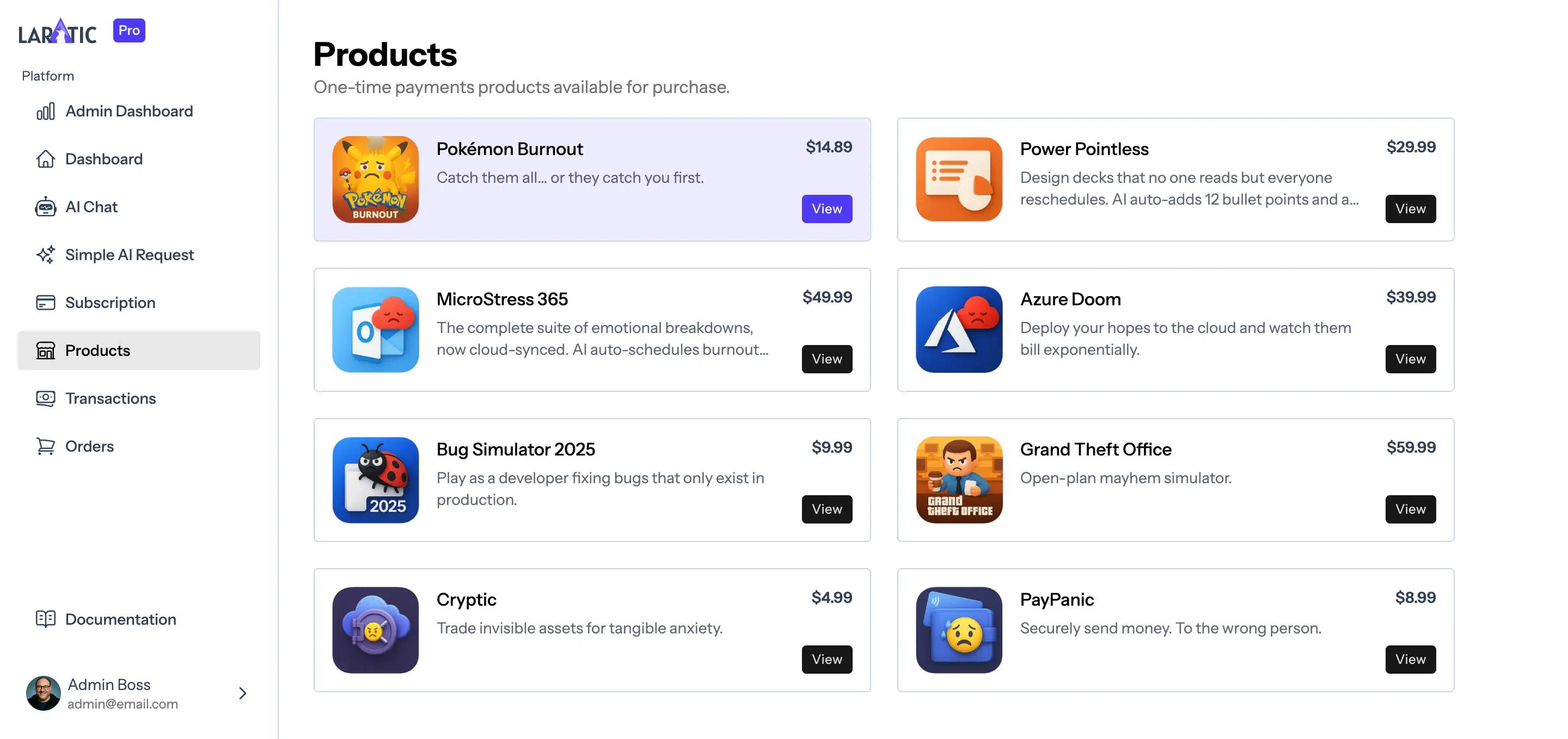
Updating or Hiding Products
Any updates to a one-time product in the Paddle dashboard will be automatically synced into your local database. You can also archive a product in Paddle to hide it from the public products page.