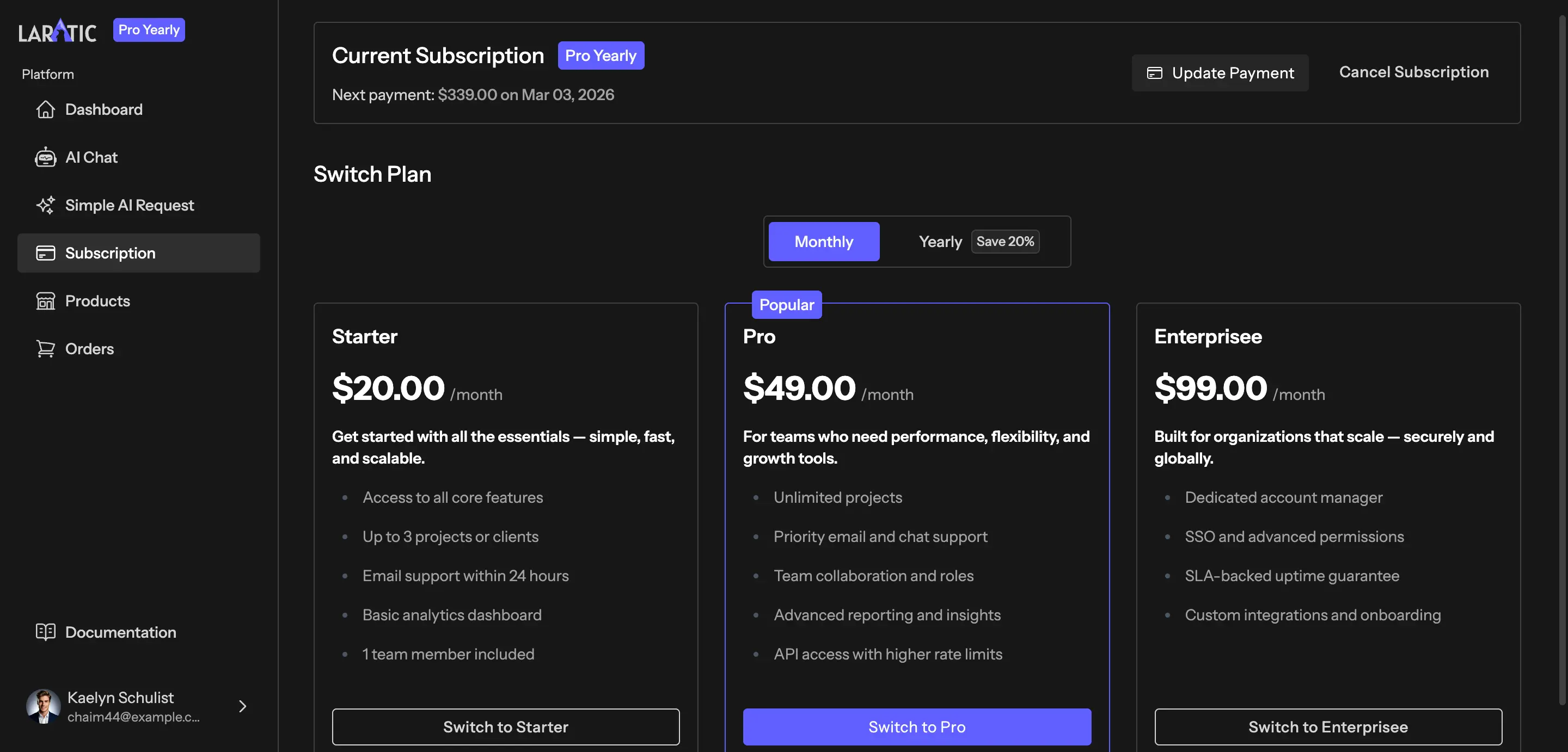
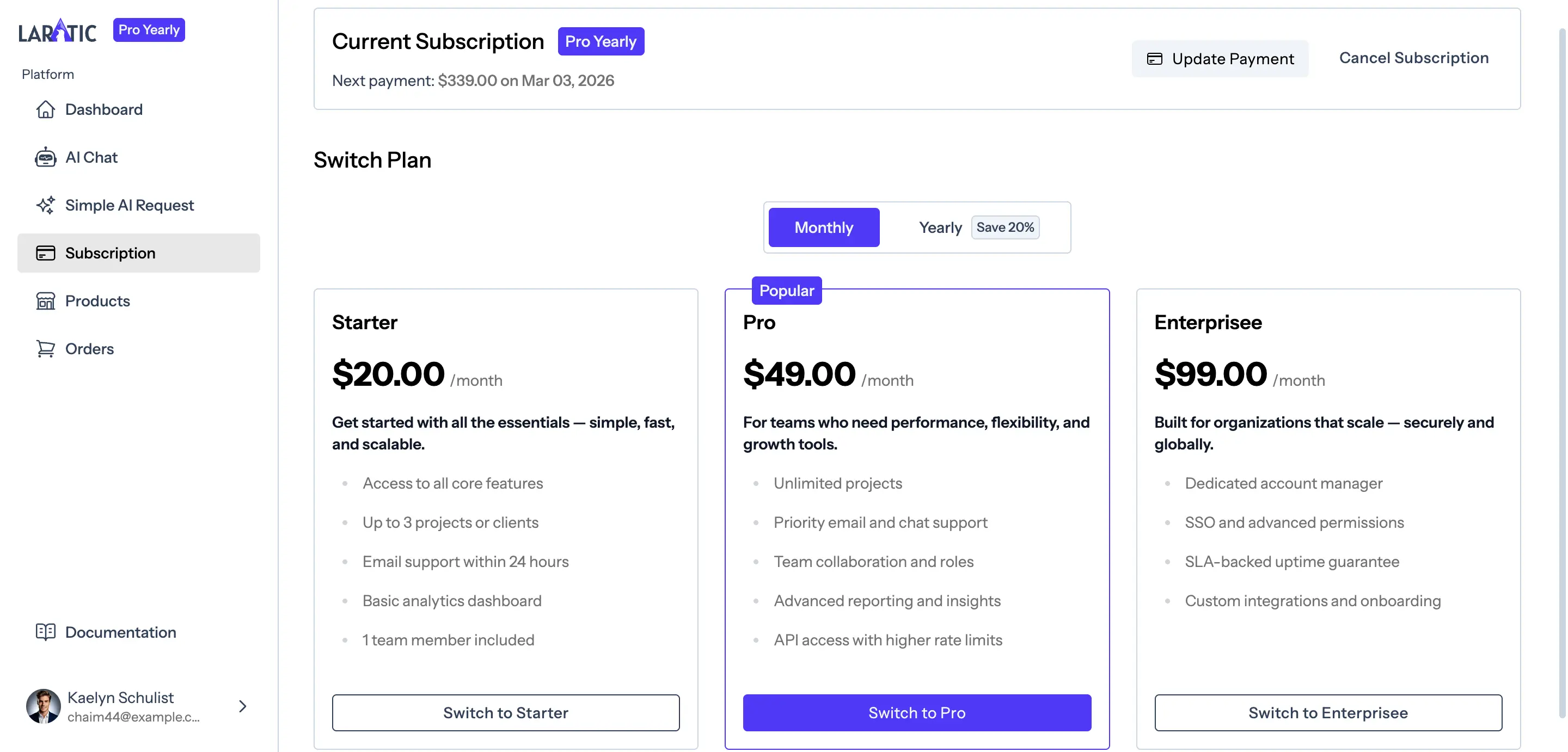
Subscriptions, Plans & Pricing Page
Laratic is configured to easily sell recurring subscription plans. You can create or update monthly and yearly subscription plans in your Lemon Squeezy dashboard and sync them to your app.
Adding New Subscription Plans
To add a new subscription plan in Lemon Squeezy:
- Go to your Store > Products in the Lemon Squeezy dashboard.
- Click Add New Product.
- Add a name and description. You can add a list of features in the description.
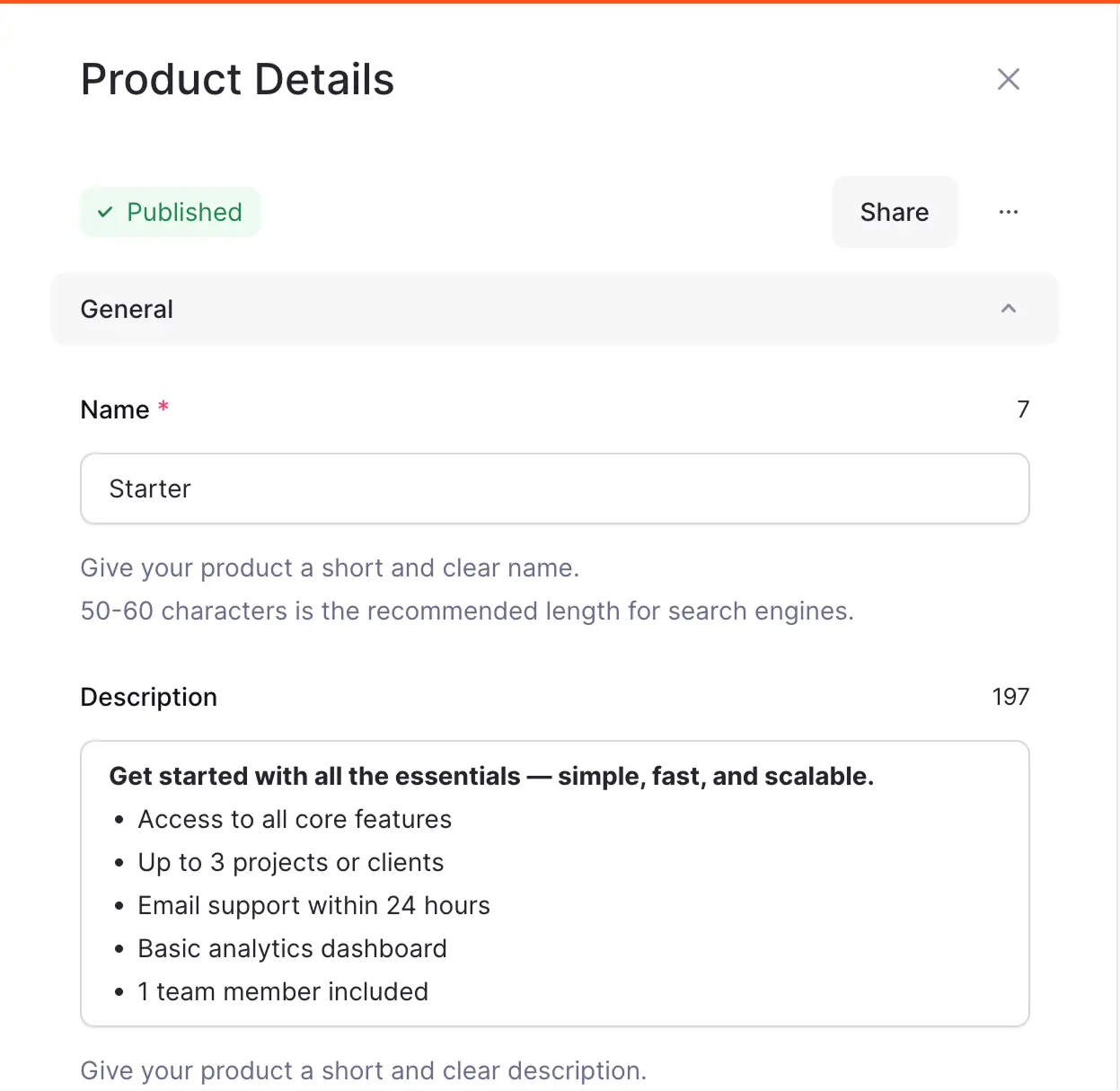
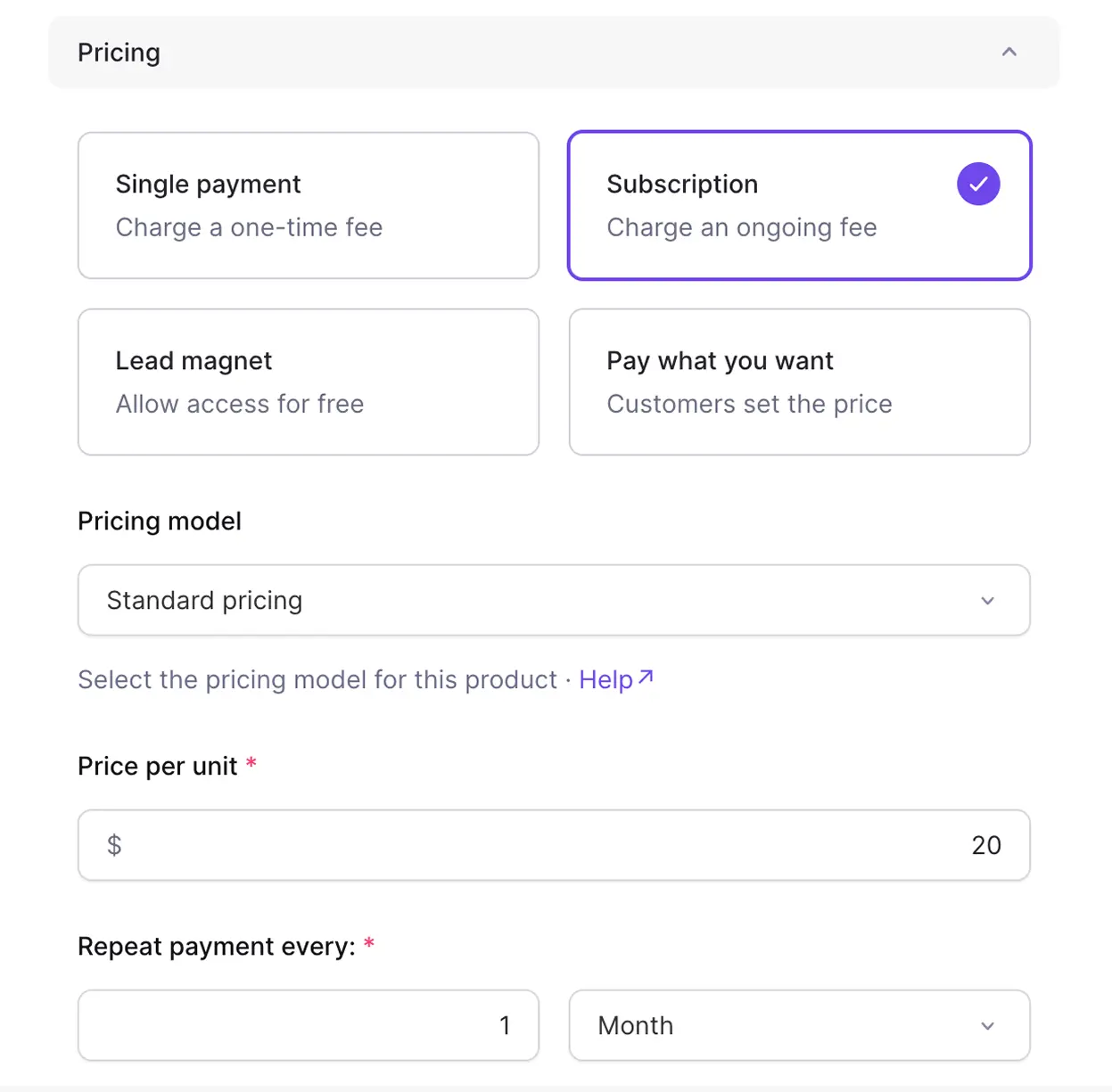
- Choose Subscription Pricing.
- Set the price and interval (monthly or yearly).
- If it has a free trial, turn that feature on and assign a value to it.
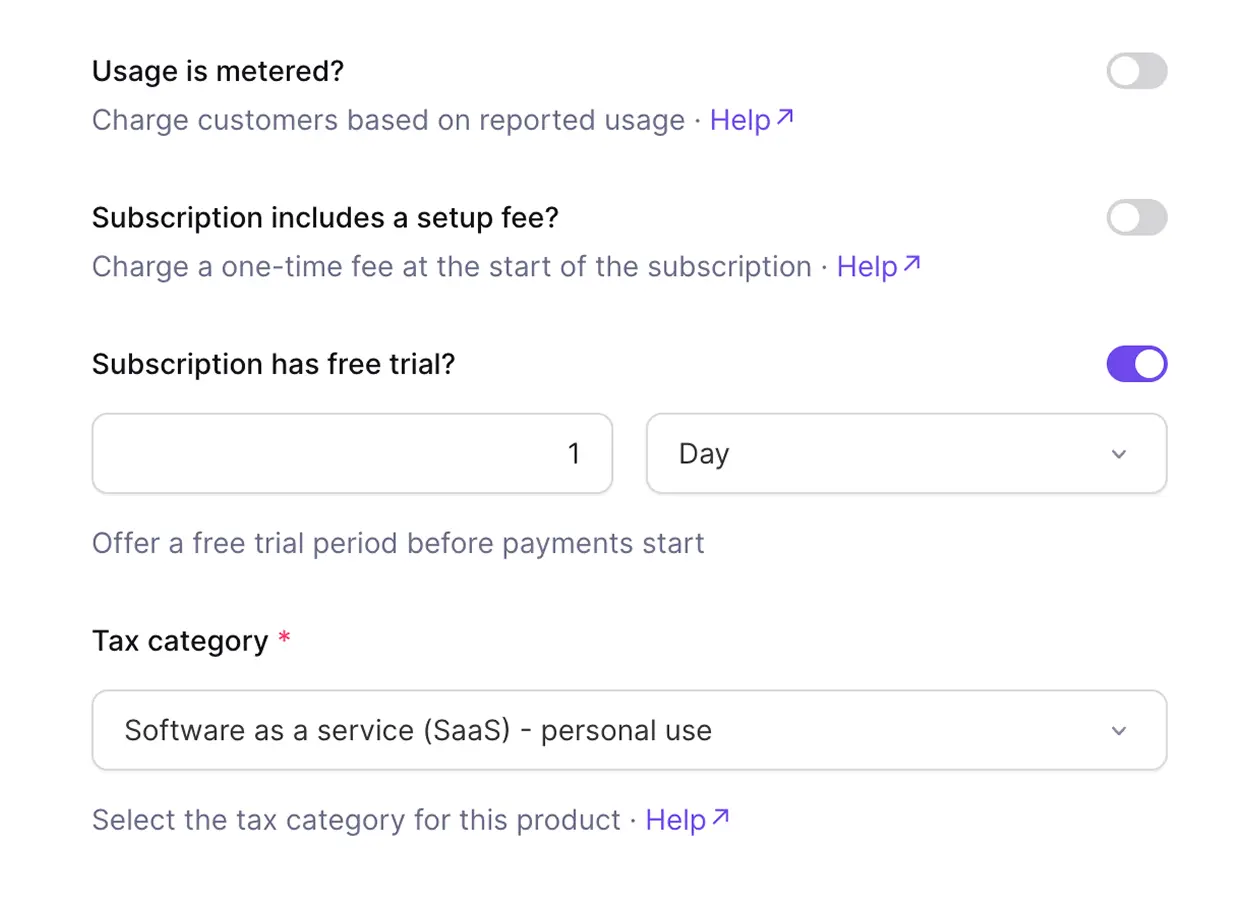
- Save the product.
- Sync your products from Lemon Squeezy using:
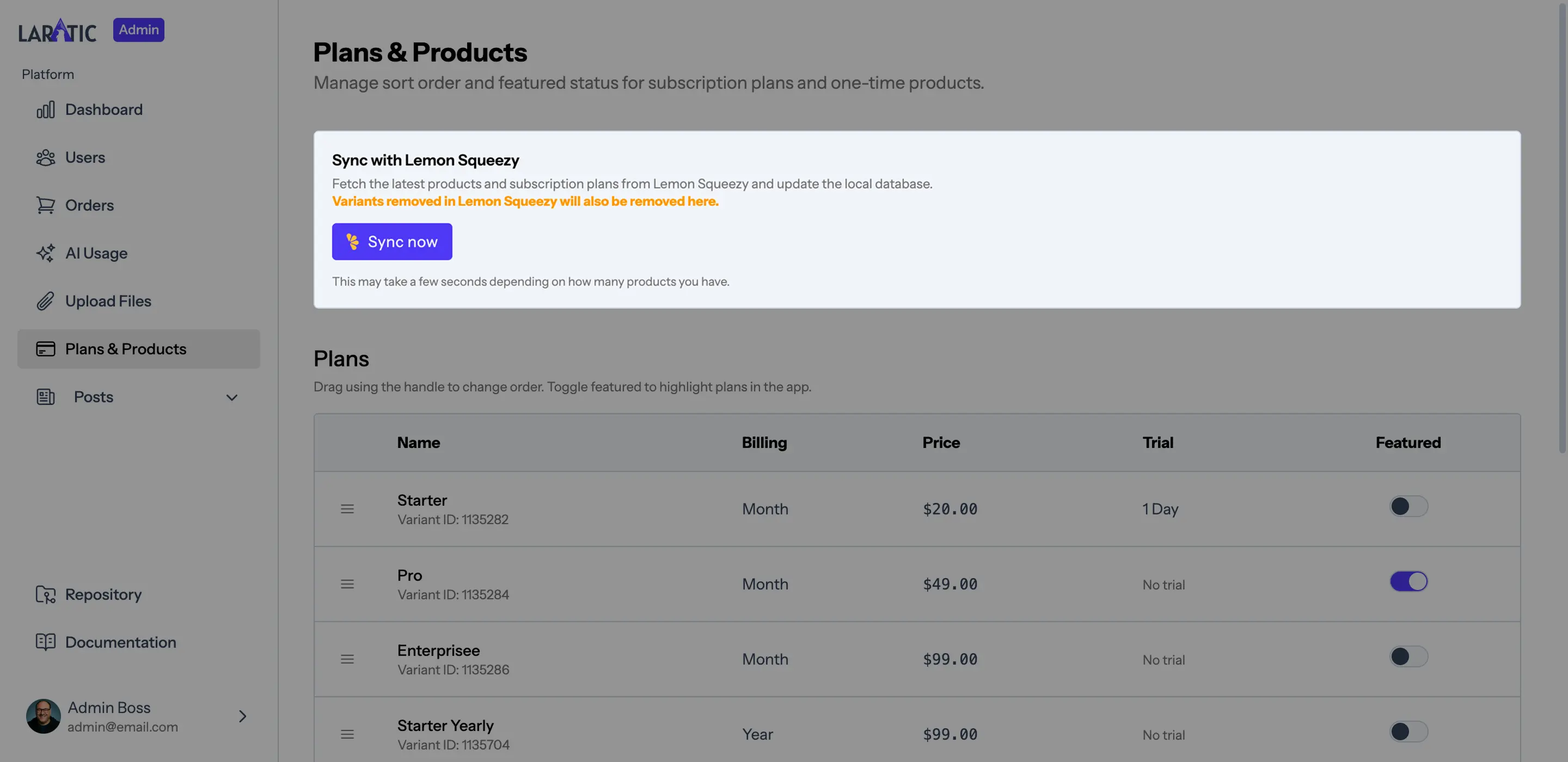
Or use the admin panel sync button at Admin > Plans & Products.php artisan lemonsqueezy:sync-products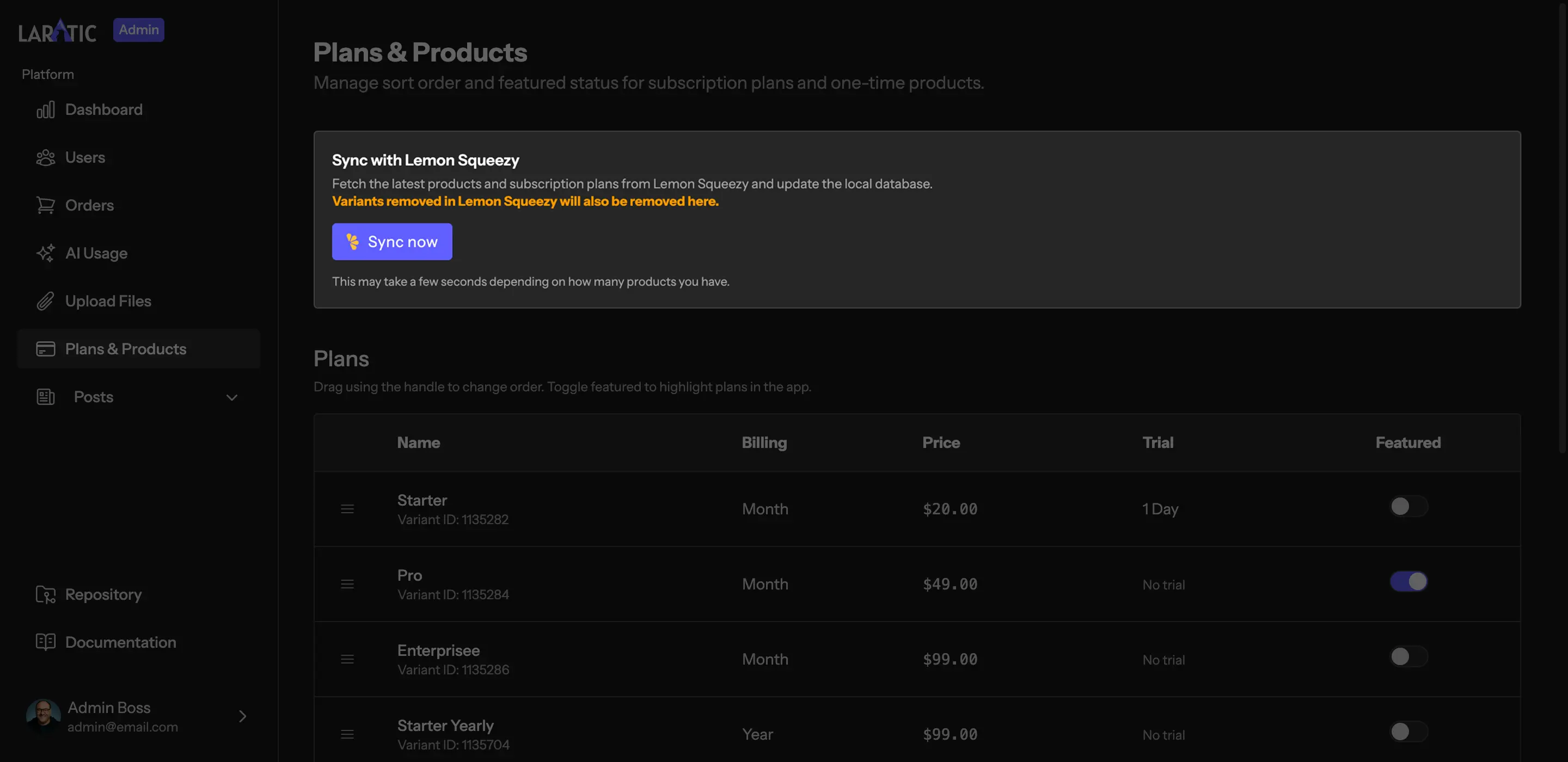
Important
Laratic assumes each product has a single variant. Please don't add any variants to the products and leave it as the default variant.
When you sync, the command will create a Plan record for each subscription variant. Once
the plan exists and has an published status, it will appear on the pricing page.
Updating Plans
Any updates to a subscription plan in the Lemon Squeezy dashboard will be synced when you run the sync command.
To hide a plan from the public pricing page, you can either:
- Delete or archive the variant in Lemon Squeezy and sync
Pricing Page (Monthly & Yearly)
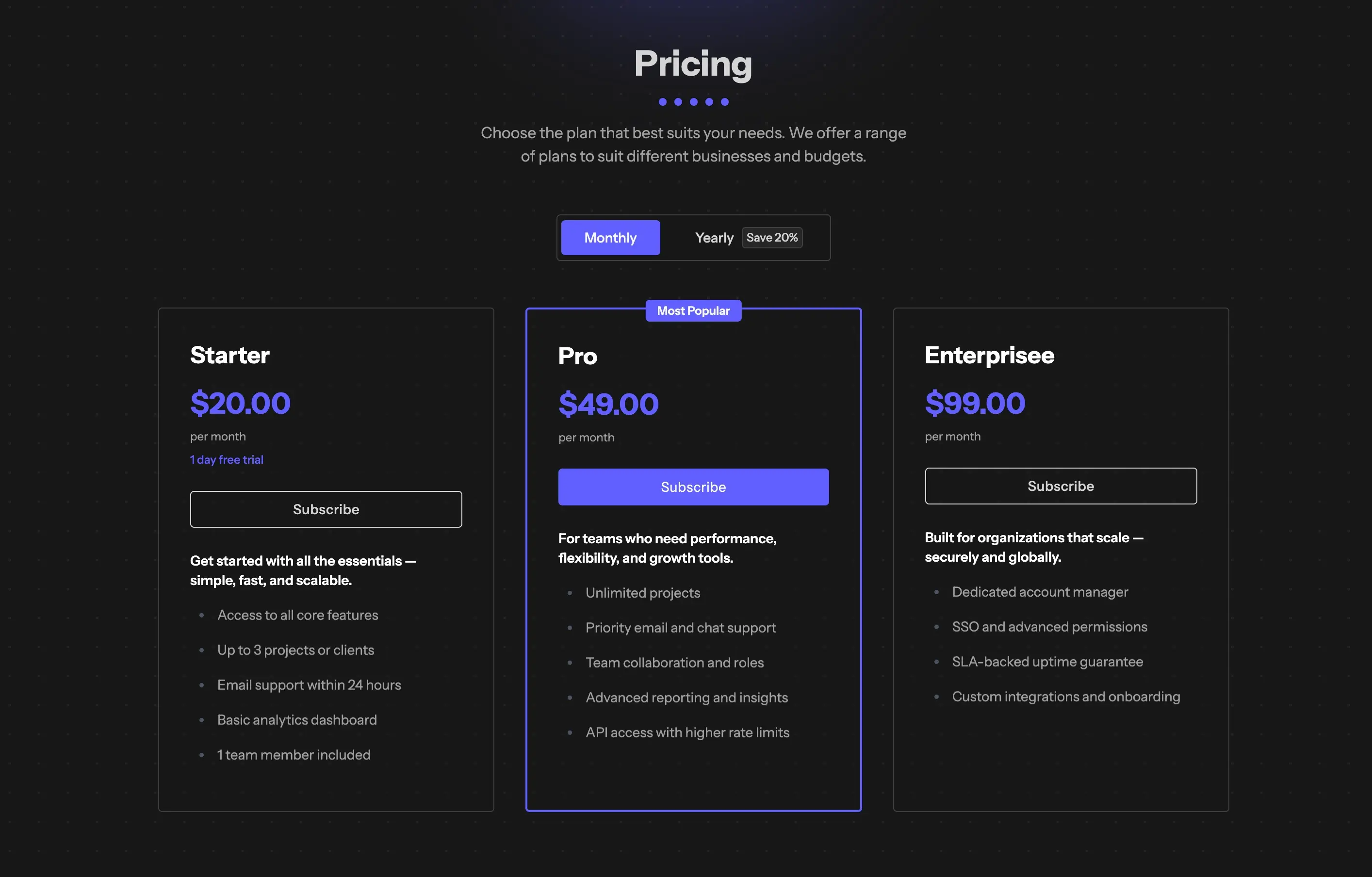
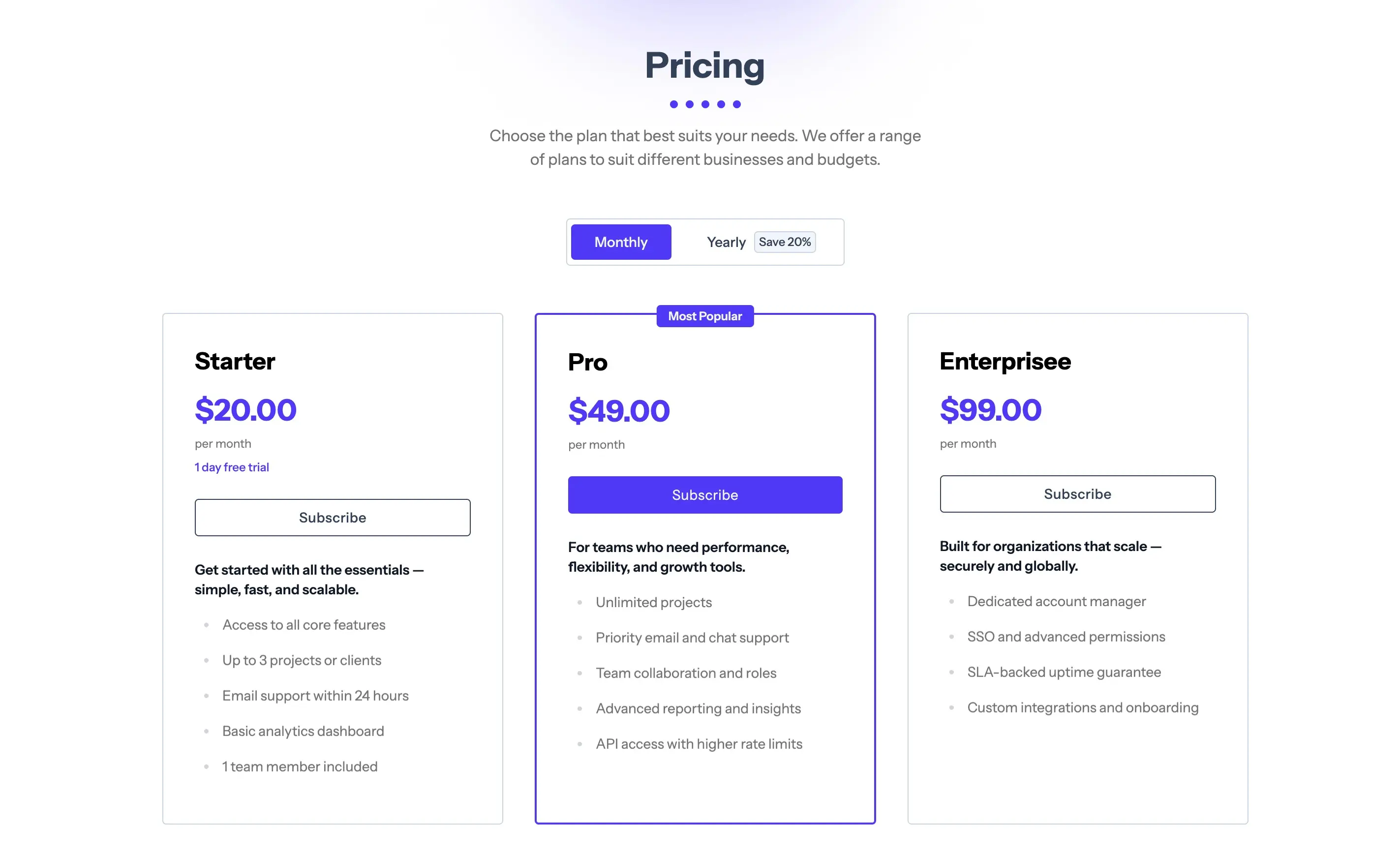
Laratic has a pricing page that displays all active subscription plans. When you add a new plan in Lemon Squeezy (Monthly or Yearly) and sync, it will appear on the pricing page.You can sort or promote plans in your admin dashboard>Plans & Products.
Managing an Active Subscription
Laratic has a subscription management page that allows users to manage their subscription. You can cancel or update your subscription from the subscription management page.